About Little Dresser
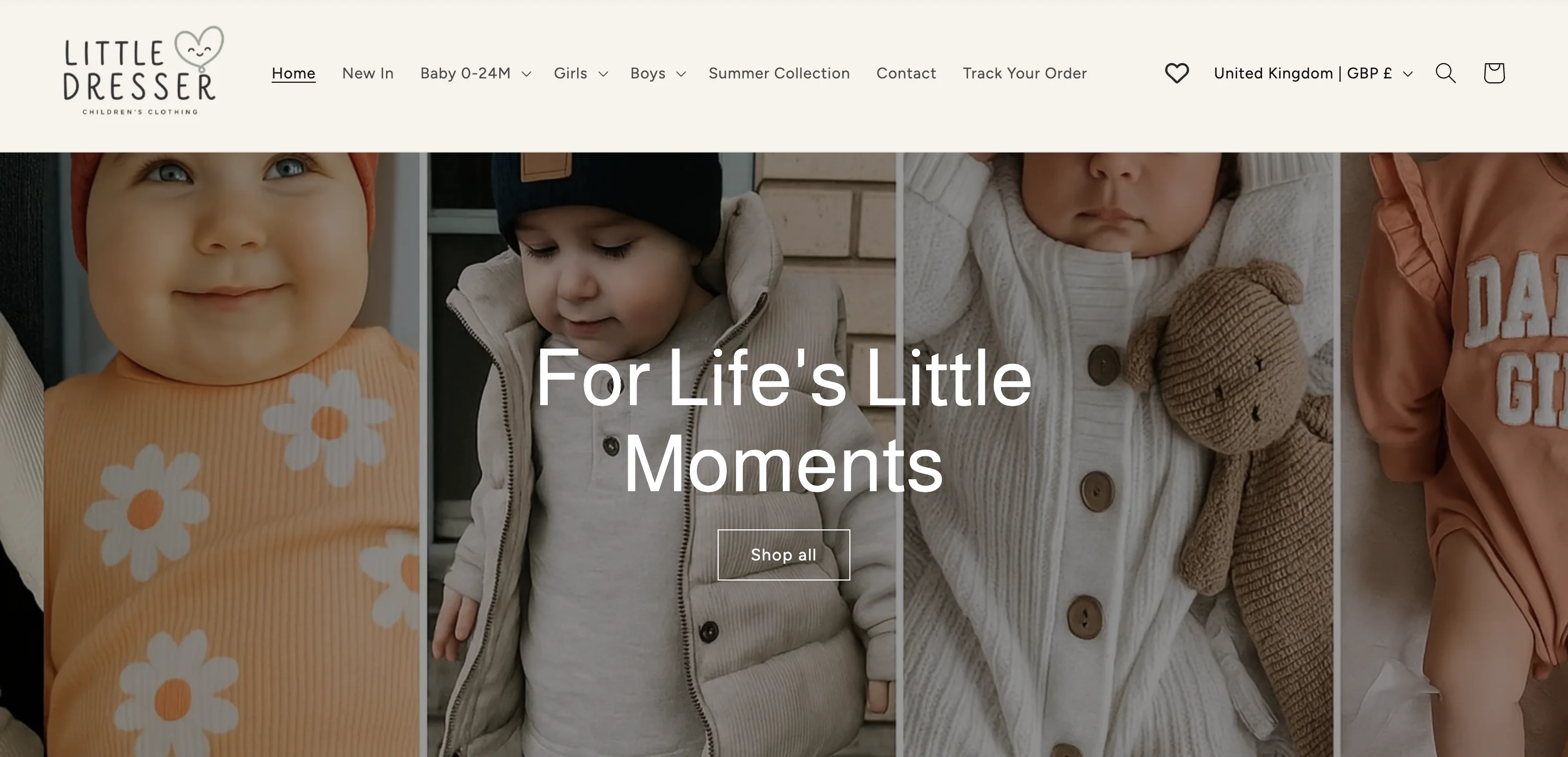
Little Dresser sells baby and children’s clothing from the Netherlands to parents in the UK and the US. There are 233 products, from rompers to snowsuits, in sizes from newborn to 3 years, and the store gets around 20,000 sessions a month.
It opened in July 2025, so most of the parents who land on the site are meeting the brand for the first time. They want to know the size is right, the shop is real and the order is worth finishing, and they decide quickly.
Before Vitals: twenty apps, twenty bills
So the store needs a lot on the page. A sale bar, a size chart, trust badges and payment logos. Prices in dollars for US parents on a store that prices in pounds. A cart drawer, a free gift, related products and session recordings to see where shoppers get stuck.
On Shopify, each of those is usually a separate app. That’s twenty apps for a store in its first year, and every one of them comes with its own monthly bill, its own code loading on every page, its own dashboard and its own support team to email when something breaks.
We measured the load times in our own speed test on a sample product page, not on littledresser.co.
After Vitals: twenty apps, one bill
Little Dresser has been on Vitals since September 2025, and all twenty now come with one Vitals plan at $29.99 a month. Each app is a switch in the Vitals dashboard, and turning another one on doesn’t mean installing anything or paying more.
Day to day, that means one bill, and one app loading code on each page instead of twenty. The sale bar, the size chart, the cart and the offers all come from the same place and look like they belong together.
Eight of the twenty work where a shopper won’t spot them. A “Trending” label sits on the ten fastest-selling pieces. Visitor Replays has recorded more than 2,400 sessions in 90 days. The browser tab says “Hello, I’m waiting for you!” when a parent switches away and shows the cart count when they come back. Extra checkout buttons are hidden, product photos and top sellers are protected from copying, and links to other sites open in a new tab.
Where each app shows up on littledresser.co
Click a tab or a numbered marker to see where each app sits on the live store.
- Announcement Bars
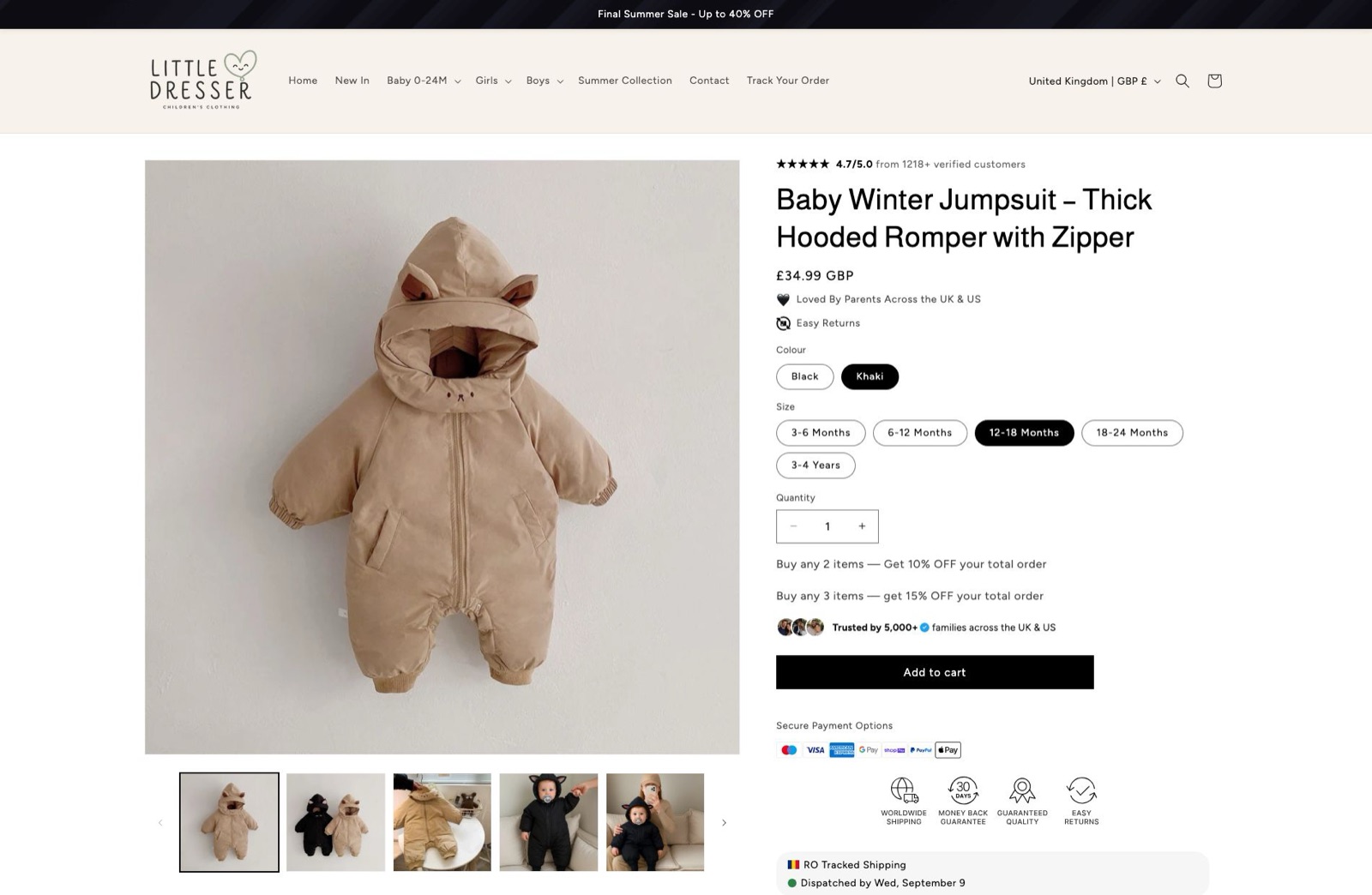
A sale bar across the top of every page. Two are built: a seasonal sale message and a free-shipping bar.
- Currency Converter
The store prices in GBP and sells to the UK and the US. Prices switch to the shopper’s own currency, picked by where they browse from.
- Size Chart
Age, height and weight per size on the product page. On baby clothing, size is the question that stops the order.
- Payment Logos
Card and wallet logos under the buy button, headed “Secure Payment Options”, so the last question before checkout is already answered.
- Trust Seals and Badges
Shipping, returns and guarantee icons placed right where the price is.
- Related Products
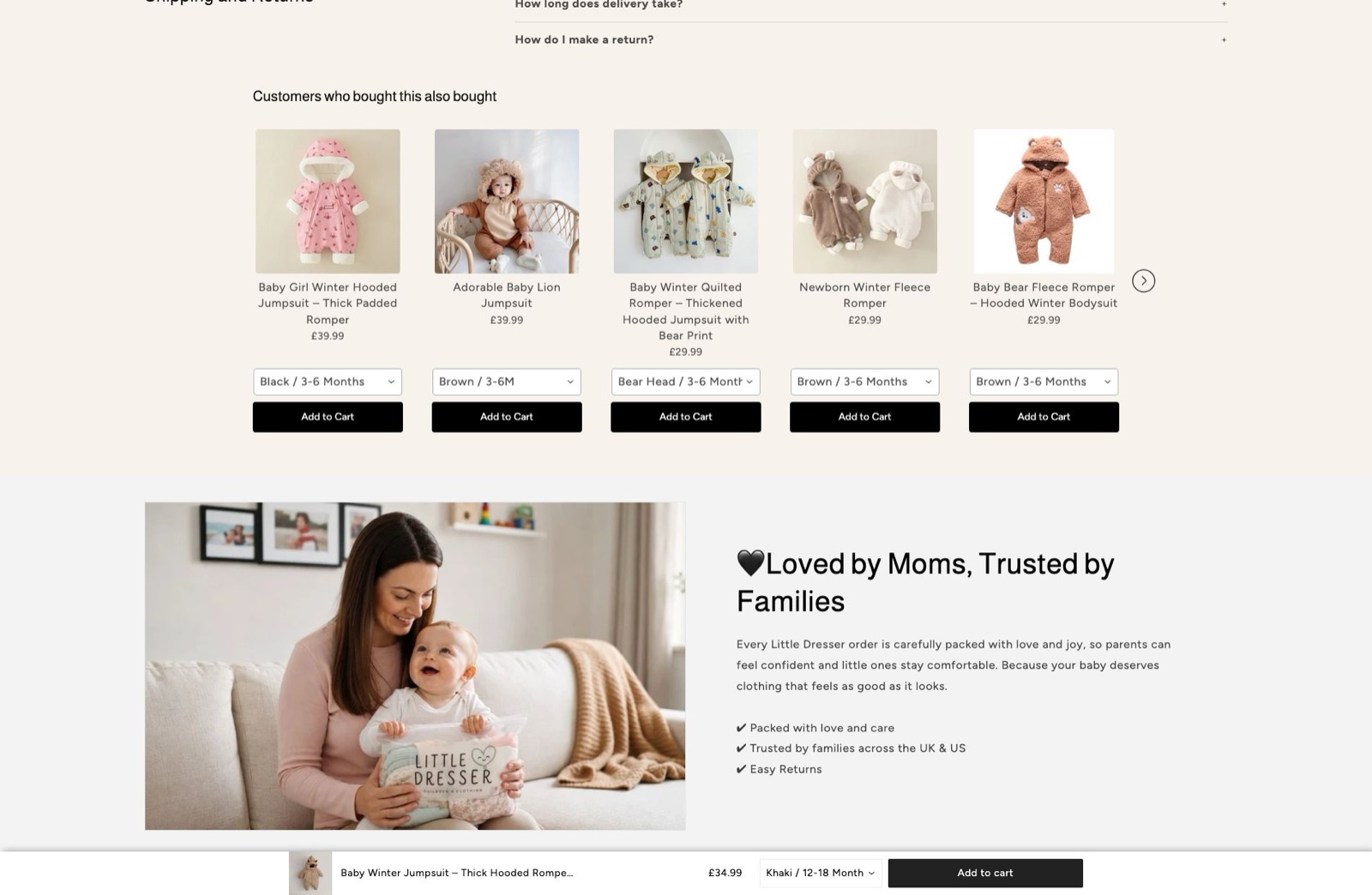
A “customers who bought this also bought” row on every product page that keeps browsing moving.
- Theme Sections
The “Loved by Moms, Trusted by Families” block comes from a Vitals section template. No developer was involved.
- Sticky Add to Cart
Keeps the buy button on screen while a parent scrolls the size guide and the fabric details.
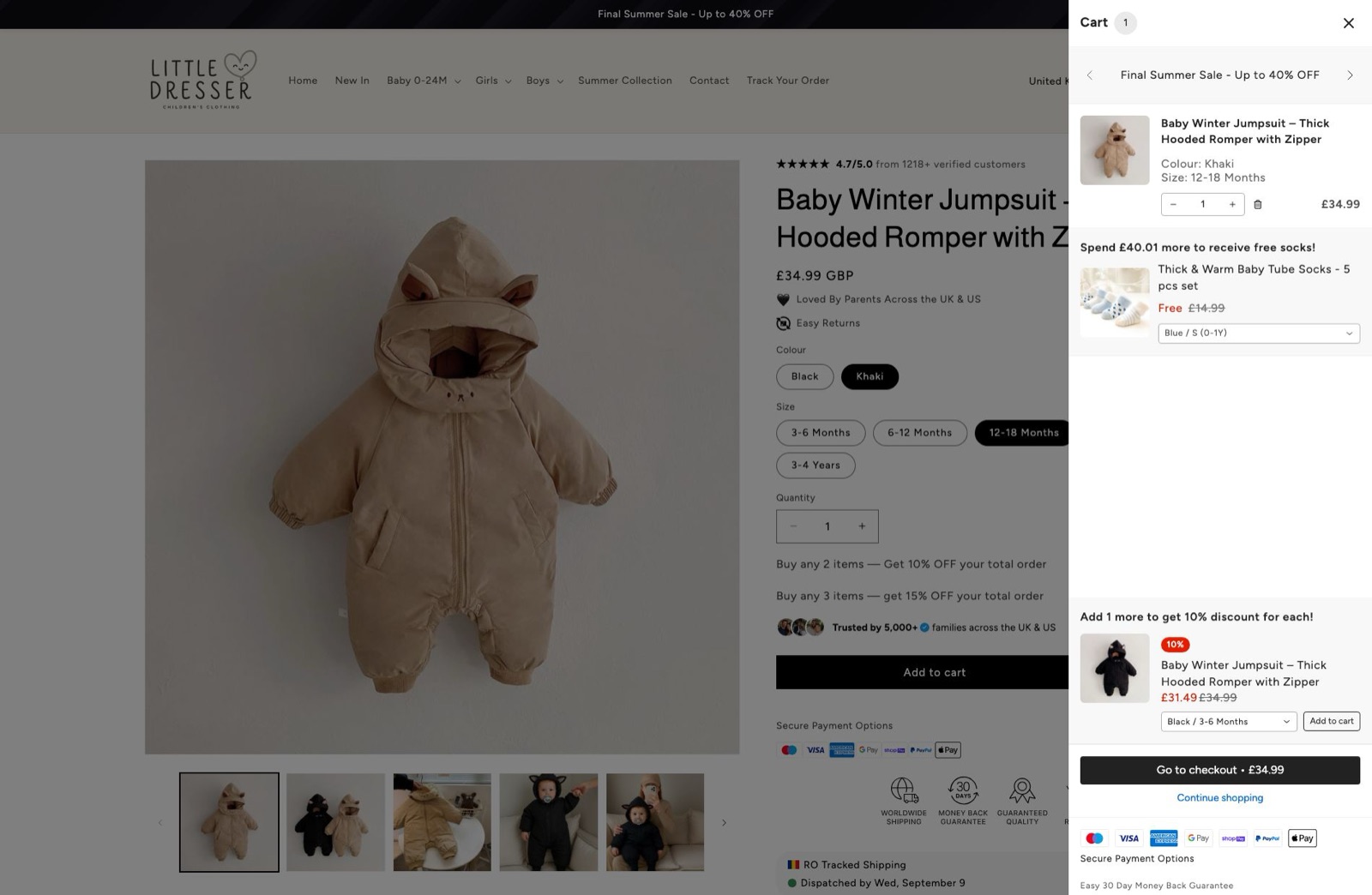
- Cart Drawer
A slide-out cart, so shoppers keep browsing after adding a piece.
- Upsell Builder · free gift
A free pair of socks once the order passes £75, shown as progress in the cart.
- Upsell Builder · volume discount
A discount for parents buying more than one piece. It is one of three live offers, including a one-click offer after checkout.
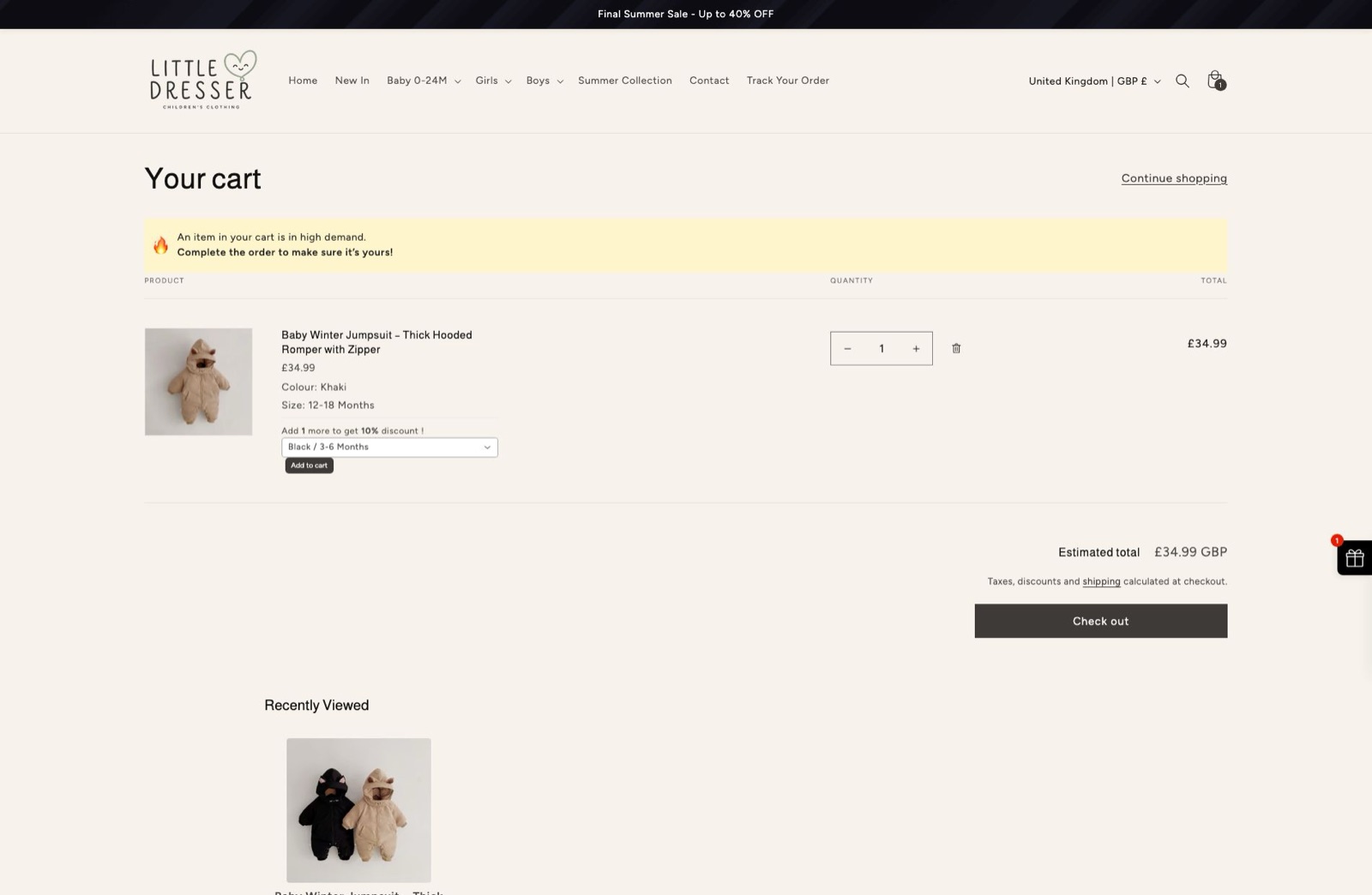
- Cart Notice
A short reservation message in the cart that nudges the checkout along.
- Recently Viewed
Brings shoppers back to the outfits they already looked at.
Apps Little Dresser could replace next with one Vitals plan
Little Dresser uses 20 of the 40+ apps in Vitals. If the store wants reviews, an Instagram feed or a timer on its next sale, it doesn’t need another app for them. Every other app is part of the same Vitals plan and sits in the same dashboard, ready to turn on. These four would suit a new baby clothing store:
Each one is a switch in the same dashboard. No new app, and no new bill.
“I did not know all these things were available. I knew Vitals did a lot, but I didn’t know it did all of those things. If it’s all in one app, in one integration, it makes it easier.”