
7 Best Omnise Alternatives for Shopify in 2026


Looking for an Omnise Alternative?
Omnise ✧ AI Page Builder, formerly Beae, is a popular Shopify app for generating store pages with AI and A/B testing them one section at a time. It covers the page itself, though, and the reviews, bundles and other apps that sell on that page are separate installs.
So, we compared seven apps on how each one builds and tests pages, the store areas it reaches and the other store apps it includes. Vitals is our app, so we've marked its limits too.
What Is Omnise Shopify App?
Omnise ✧ AI Page Builder is a Shopify app for generating and editing store pages with AI, then A/B testing individual sections. A merchant describes a page in a prompt, Omnise builds it, and the result can be changed in a drag-and-drop visual editor.
Here's what you can do with Omnise:
- AI page generation: Describe a page in one prompt and get complete pages, sections, images and content back.
- AI Blueprint: Plan the page's sales story and the order of its sections before anything is built.
- Visual editor: Adjust layouts by drag and drop, with global sections and styles, page versions, custom fonts and custom code on paid plans.
- Section A/B tests: Test one section against another on every paid plan, with AI suggesting which version to keep.
- Existing pages and translation: Edit pages your theme already built, insert or swap single sections, translate a section or the whole page, and audit the store with Store Health.
Where Omnise stands out is testing on pages a store already has. A single section can be replaced and tested without rebuilding the page, which suits stores whose theme pages mostly work and need one part improved.
Reviews often name its support staff, who send custom tutorials and design advice.
How Much Does Omnise App Cost?
Prices from the Shopify App Store listing on Oct 27, 2026. Plans differ by published slots (3, 10 and 25), and every A/B test variant takes a slot.
Why Shopify Merchants Look for Omnise Alternatives
Omnise ✧ AI Page Builder has a 4.9 rating from 879 reviews and is Built for Shopify. Yet merchants who uninstall it often point to the following:
- It builds and tests pages only, and its "Works with" list points to more than 20 separate apps, such as Judge.me, Loox and Bundler, for reviews and bundles
- No plan offers unlimited published slots, and A/B test variants count against the cap
- AI generation draws on monthly credits and blueprints that grow only with a higher plan
- Low-star reviews describe failed saves, work reverting, and an update in May 2026 that broke pages and hurt SEO
- Reviews also report code left in the theme after uninstalling, and one merchant needed to give collaborator access to remove it
Switching makes the most sense for stores that want their page builder and the apps on the page in one place, with one dashboard and one bill.
Read: Best AI Page Builders for Shopify in 2026
How We Compared the Omnise Alternatives
On the day of writing, we went through every app's Shopify App Store listing and its help docs and changelog, where available. Ratings and review counts come straight from each listing.
We compared the apps on:
- App type, standalone or all-in-one
- Core page builder features: AI generation, the editor and templates, page types and A/B testing
- The store areas each app reaches, from home and product pages to the cart
- How many single-purpose apps each one can stand in for
- What each app adds to the storefront and how it works with the theme
- AI features and MCP support
Short Answer
Vitals - All in One App is the best Omnise alternative for most stores.
- It offers AI-written product pages and 46 theme sections with product reviews, bundles and countdown timers in the same plan, while Omnise connects to separate apps for reviews and bundles
- It includes 40+ apps, such as pop-ups, product reviews and bundles, in one subscription of $29.99/month
- It replaces multiple single-purpose apps that you would otherwise install and pay for every month
Omnise starts at $19.99 a month, so Vitals costs more. For that price, the one subscription also takes in the reviews, bundles and countdown timer apps an Omnise store pays for next to it.
What Are the Top Omnise Alternatives for Shopify in 2026
The table sums up the seven alternatives side by side, with Omnise ✧ AI Page Builder at the bottom.
1. Vitals - All in One App
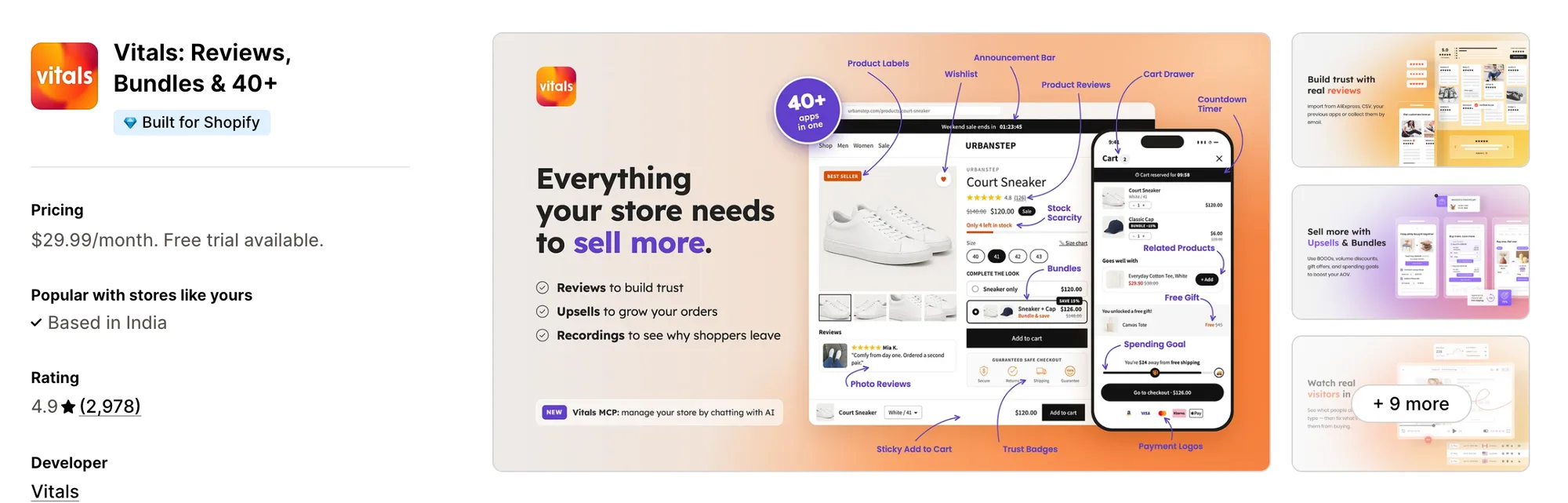
Best for: Stores that want AI Page Builder, Theme Sections, Product Reviews and Bundles plus 40+ apps in one subscription
Rating: 4.9 (2,978 reviews) | App type: All-in-one | Free trial: 7 days | Built for Shopify: Yes
Vitals is our app. An AI page builder is one of its 40+ apps, sold together with reviews, bundles and pop-ups in a single subscription of $29.99/month.
The Vitals AI Page Builder app writes a product page from a single product, with a new description, a tagline, key benefits and FAQ answers, set in one of seven designs. The page is applied as an Online Store 2.0 product template, so it can be checked in the Shopify theme editor before it goes live.
Pages beyond the product page get their content from the Vitals Theme Sections app, whose 46 sections, such as video, testimonials and maps, can be added to home, collection and article pages. Shoppers on those pages can also see reviews from the Vitals Product Reviews app and offers from the Vitals Pop-ups app.
Key features:
- One product in and a finished product page out, with copy, image with text, trust badges and FAQs
- Catalog products, or new ones pulled in from AliExpress or Amazon, where AliExpress imports keep their reviews
- Seven designs, and a page language detected from the store or chosen by hand
- 46 theme sections for home, product, collection and article pages, which change only when you click Update section
- Reviews, countdown timers, pop-ups and offers from the Vitals Product Bundles app under the same plan
- Visitor recordings for watching how shoppers use a page after it changes
Pros:
- Theme sections that are installed but not used add nothing to page load
- A page generation that fails gives its credit back
- Vitals MCP lets Claude or ChatGPT adjust Vitals app settings and draft upsell offers, and every change waits for you to press Save
- One subscription where many apps used to be (e.g., FreeShippingAllOrders replaced a long list of single-purpose apps with one Vitals plan)
Cons:
- No visual drag-and-drop builder or section A/B tests, and the AI writes product pages one at a time while other pages are built from theme sections
- Works on Shopify only
Pricing:
Prices from the Vitals website on Oct 27, 2026, with a 7-day free trial. Each plan includes a monthly number of page generations.
Read: The 8 Best Theme Sections Apps for Shopify in 2026
2. Instant AI Page Builder
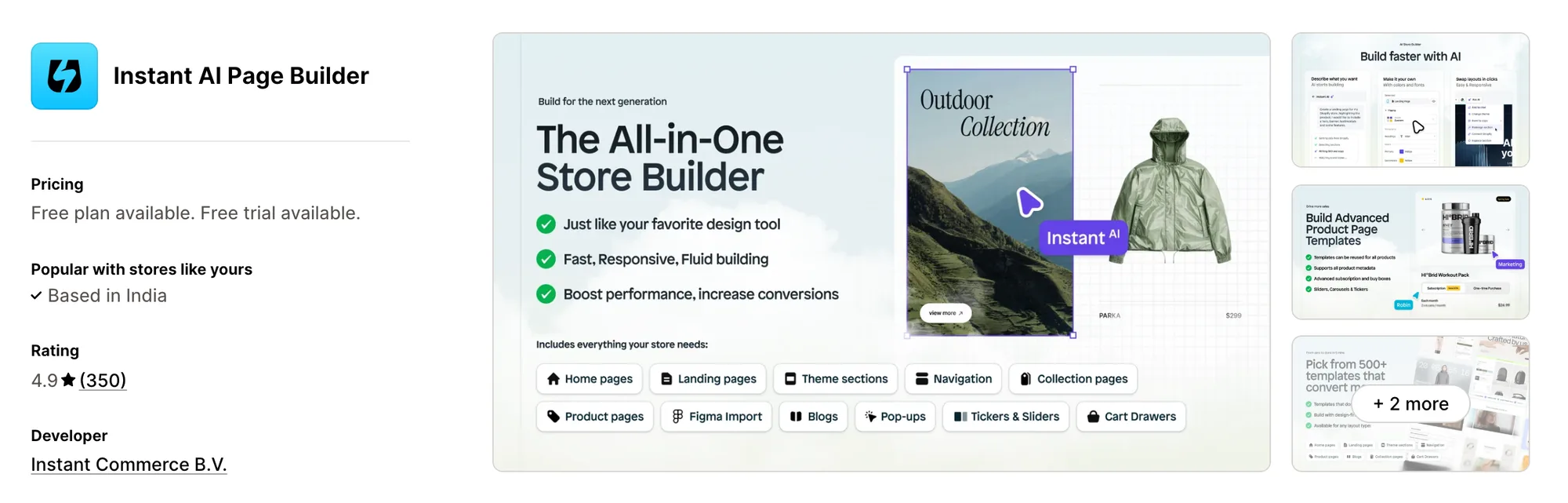
Best for: Stores that want an AI agent to build pages from a Figma frame, screenshot or link, then edit them in the theme editor
Rating: 4.9 (350 reviews) | App type: Standalone | Free trial: 7 days | Built for Shopify: No
Instant AI Page Builder hands the first draft to its AI Agent. A merchant can give it a prompt, a screenshot, a website link or a Figma frame, and the Agent lays out the page. When published, the layout becomes Liquid, CSS and JS files in the theme, and its sections can still be changed from the Shopify theme editor.
Key features:
- Agent-built drafts for whole pages, single sections, menus, footers or the cart
- "Ask AI" for small edits, and a Brand Kit that holds the store's colors and fonts
- AI product shots and lifestyle images from Studio
- Figma import on every plan, through an AI mode or a classic paste mode
- Split tests of up to 6 versions of a page, judged on average order value, conversion rate or click-through, from Pro
- Heatmaps that record clicks and scrolling, from Pro
- Its own cart drawer, which can carry upsells, rewards and a countdown, on Pro
Pros:
- Through its MCP server, still in beta, Cursor or Claude Desktop can send instructions to the Agent and publish or unpublish landing pages
- Paid plans publish unlimited pages and blog posts
- Shopify titles, prices and stock flow into Instant pages without a republish
Cons:
- A/B tests, heatmaps, the cart drawer and publishing to a draft theme all start on Pro
- AI work uses monthly credits, and Starter includes 1,000 of them
- Builds pages and sections only, so reviews and email stay with other apps
Pricing:
Prices from the Shopify App Store listing on Oct 27, 2026, with a 7-day free trial of Starter.
3. PageFly ✦ AI Page Builder
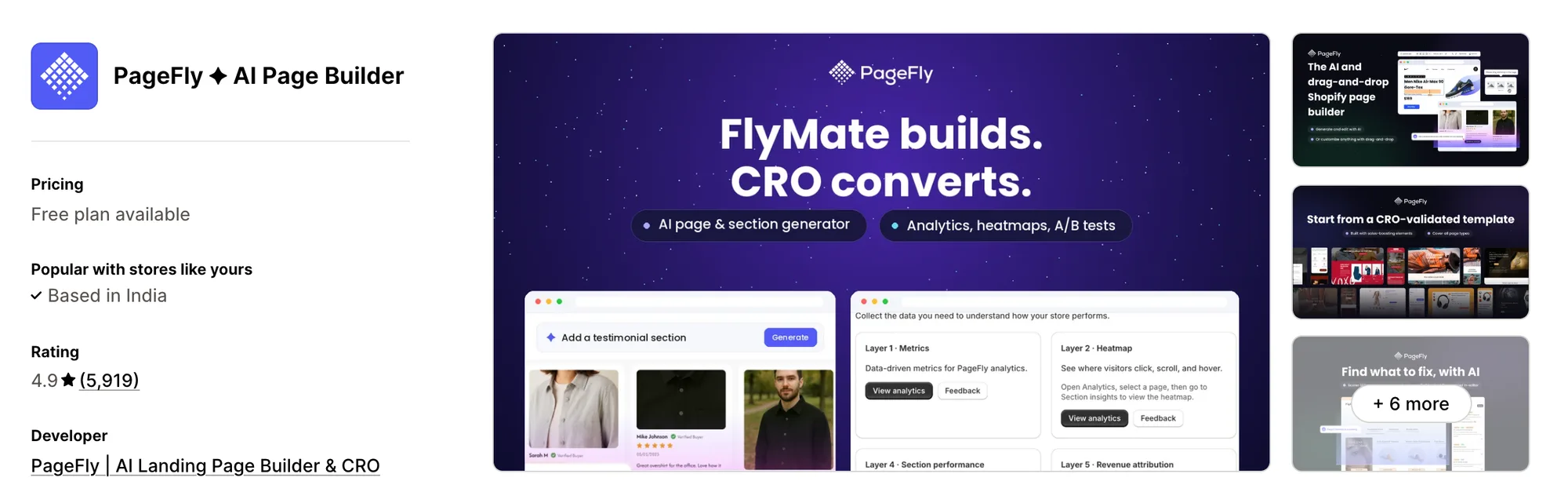
Best for: Stores that want to find weak pages with heatmaps and funnel views, then test fixes in the same builder
Rating: 4.9 (5,919 reviews) | App type: Standalone | Free trial: Free plan | Built for Shopify: No
With 5,919 reviews, PageFly ✦ AI Page Builder has the largest review base of any app compared here. It treats a page as something to build, measure and fix. FlyMate AI handles the building, A/B tests and heatmaps do the measuring, and AI Page Checkup points to likely sales leaks.
Key features:
- 320+ page and section templates in a drag-and-drop editor
- Global sections and global styles that update every page that uses them
- Prompt-built pages and chat edits to sections from FlyMate AI, on all plans
- A page score from AI Page Checkup, also on all plans
- Three live A/B tests on Optimize, ten on Accelerate and no cap on Power
- Click maps on Optimize, alongside a funnel view and per-section results
- AI Translator from Builder, plus an AEO optimizer on Accelerate
- A cart drawer in beta on Accelerate, with bundle offers, upsells and a free shipping goal
Pros:
- Spotting a weak section and testing a fix both happen without a separate CRO app
- Pages can be built and published by chat from Claude, ChatGPT or Sidekick through its MCP connector, whatever the plan
- Sessions, conversion rate and revenue show in its dashboard from the Builder plan
- Thank-you, 404, link in bio and more than 15 other page types are covered
Cons:
- Pricing is by published slot, and the Builder plan stops at 15 pages or sections
- AI features draw on monthly credits, starting at 80 on Builder
- One merchant says the "Remove all data" cleanup removed every page ever linked to PageFly, and layouts can leave only in its own .pagefly format
- Its focus is pages and their tests, leaving reviews and email to other apps
Pricing:
Prices from pagefly.io on Oct 27, 2026. Builder and Optimize prices rise with the number of published slots.
4. EComposer Landing Page Builder
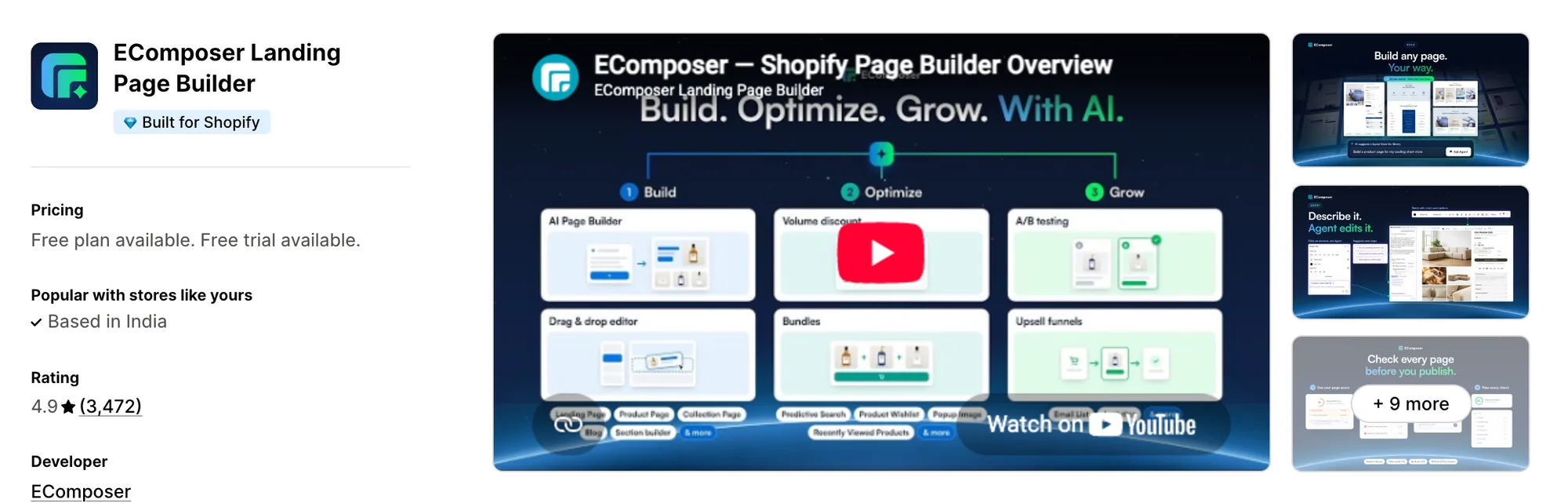
Best for: Stores that want wishlist, compare, bundles and other add-ons inside the page builder itself
Rating: 4.9 (3,472 reviews) | App type: Standalone | Free trial: 7 days | Built for Shopify: Yes
EComposer Landing Page Builder is a drag-and-drop builder that carries 30+ sales add-ons, from wishlist and product compare to bundles and volume discounts. It suits stores that would rather keep those extras inside the page builder than add a separate app for each.
Key features:
- 400+ page templates and 1,600+ section templates on paid plans, with 100+ elements
- AI Builder Assistant, AI Layout Builder and an AI Product Page Generator
- Landing, home, product, collection, blog, 404 and footer pages, with cart and search pages from Standard
- Global Blocks that sync across pages on Pro
- Pro adds A/B testing, and Premium makes the tests unlimited
- Pro add-ons such as wishlist, product compare, back in stock, frequently bought together, fixed bundles and volume discounts
- Post-purchase and thank-you page upsell rules, plus a page per Shopify Market on Pro
Pros:
- Many sales add-ons come with the Pro plan, so fewer apps are needed around the builder
- Page Analytics from Standard tracks sessions, add-to-cart and revenue
- It connects with 130+ third-party apps, and Vitals, Loox and Klaviyo are on its list
Cons:
- Standard includes 7 add-ons, and the full set needs Pro
- Reviews report code left in .liquid files after uninstalling and bugs in the 3.0 editor
- Even with its add-ons, product reviews and email marketing need separate apps
Pricing:
Prices from ecomposer.io on Oct 27, 2026, with a 7-day free trial. Unlimited blog posts add $39 a month below Premium.
5. LayoutHub ‑ Easy Page Builder
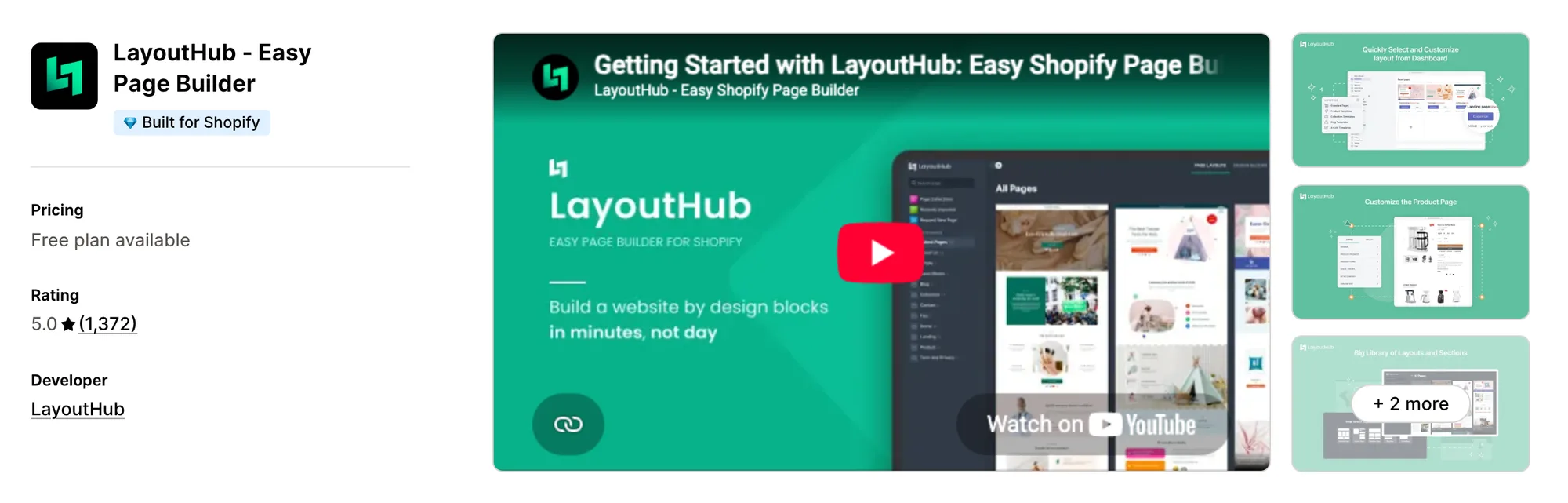
Best for: Stores that need about ten pages built from ready-made layouts
Rating: 5.0 (1,372 reviews) | App type: Standalone | Free trial: Free plan | Built for Shopify: Yes
LayoutHub ‑ Easy Page Builder is built around a library of ready-made layouts and sections. A merchant can pick a layout, change the content in a drag-and-drop editor and publish it. That fits a store that needs a handful of pages and has no use for AI or testing.
Key features:
- A layout and section library made by ecommerce designers
- Drag-and-drop editing with draft pages, page versions and autosaved drafts
- Landing, home, product, collection and blog pages from the Basic plan
- Saved sections, with 5 on Basic, 50 on Pro and no limit on Premium
- Translation and code editing from Basic, and page analytics from Pro
Pros:
- Every paid plan includes all editor features
- Basic publishes 10 pages, and Premium has no page limit
Cons:
- No AI features or A/B testing
- Requests to third-party apps are capped each month, at 1,000 on Basic
- A 2023 review says images went missing whenever the theme changed, and another says live pages were removed on uninstall
- Pages are its only job, so reviews, bundles and upsells need other apps
Pricing:
Prices from layouthub.com on Oct 27, 2026.
6. GemPages Landing Page Builder
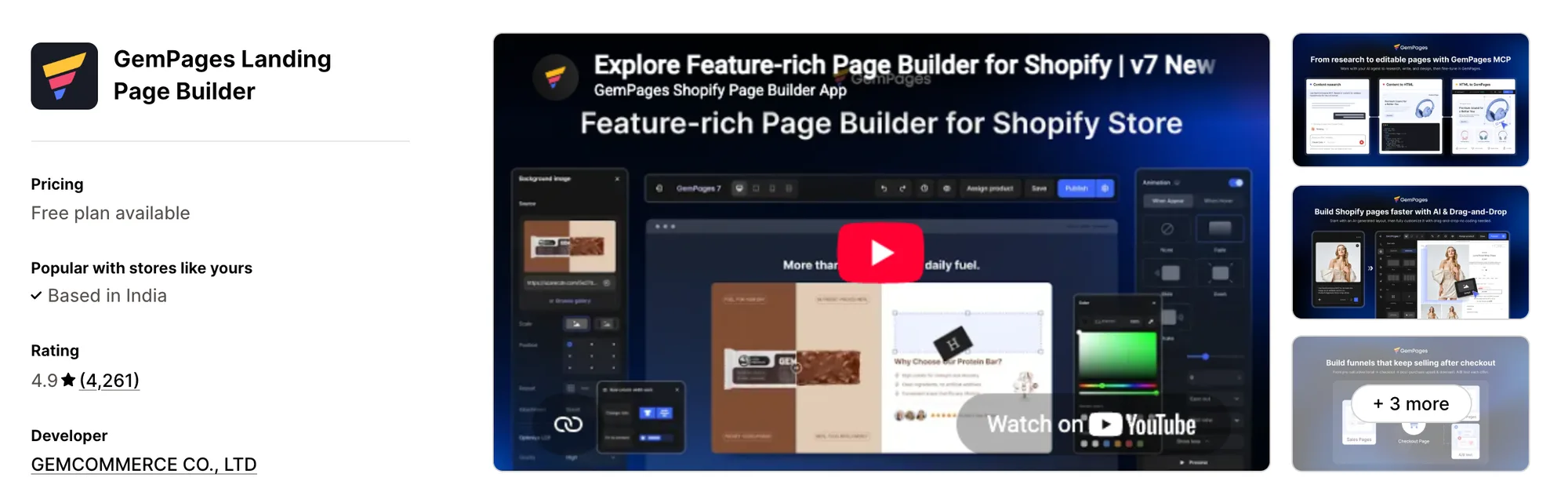
Best for: Stores that want advertorial pre-sell pages and post-purchase upsells and downsells in one funnel builder
Rating: 4.9 (4,261 reviews) | App type: Standalone | Free trial: Free plan | Built for Shopify: No
GemPages Landing Page Builder, made by GemCommerce, turns the page builder into a funnel builder. An advertorial pre-sell page can lead to a sales page, then to post-purchase upsells, downsells or a subscription offer once the order is paid.
Key features:
- A drag-and-drop editor with 400+ templates, 30+ base elements and version history
- Funnels with pre-sell advertorials, sales pages, post-purchase upsells and downsells
- Offer testing inside each funnel to compare upsells
- Page elements for urgency and order value, such as an image comparison slider, a stock counter, quantity breaks, bundles and sticky add to cart
- GemPages MCP, which lets Claude or ChatGPT research content, turn HTML into an editable page or turn an image into a design
- Headless landing pages and publishing on a schedule, from Optimize
Pros:
- Upsells after payment are part of the same app as the pages
- MCP is included on every plan
- Published pages are unlimited from Build
- It connects with 160+ apps, among them Judge.me, Kaching Bundles and Klaviyo
Cons:
- Testing whole pages takes the separate GemX app
- Upsell volume after payment is limited on Build, and Optimize charges a commission on it
- Its reach ends at pages and funnels, so reviews and email need other apps
Pricing:
Prices from gempages.net on Oct 27, 2026. The commission rate on Optimize post-purchase upsells isn't stated on the page.
7. Shogun ‑ Landing Page Builder
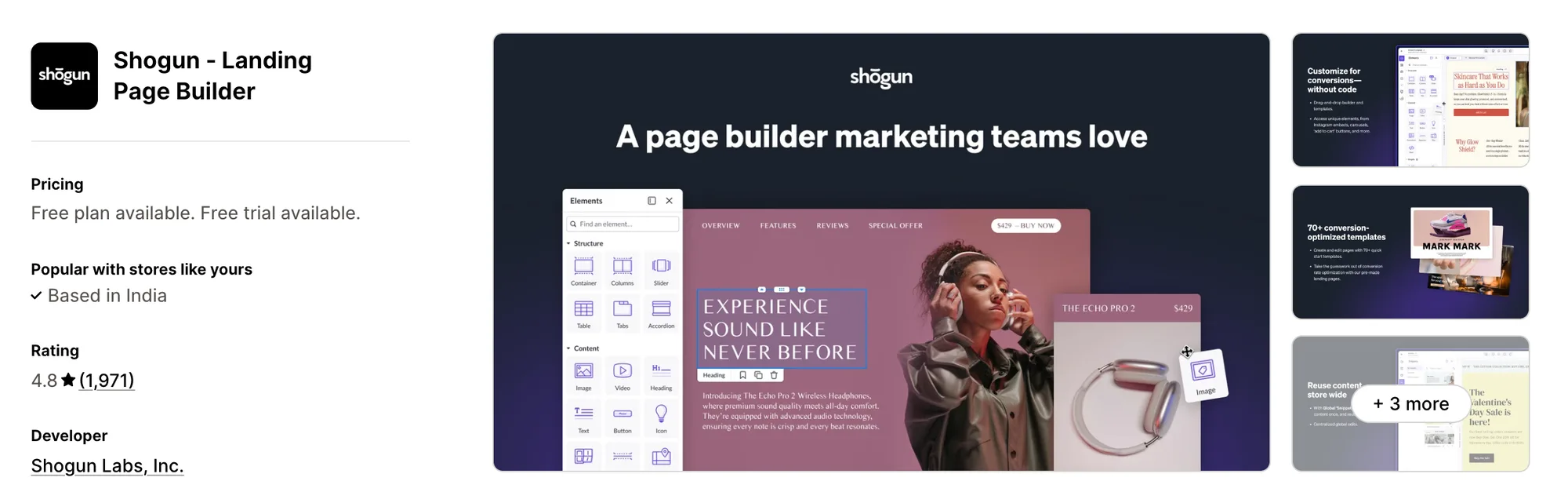
Best for: Multi-store brands whose content team schedules pages and syncs content between stores
Rating: 4.8 (1,971 reviews) | App type: Standalone | Free trial: 10 days | Built for Shopify: No
Shogun ‑ Landing Page Builder is the longest-standing builder here, listed since 2015, and it also works with BigCommerce. Its upper plans are made for content teams. They add scheduling, global content sections, syncing between stores and custom CMS collections.
Key features:
- Its Advanced Visual Builder on all plans, with elements such as product tabs, sliders and video
- Store-wide edits to Shopify templates through its theme sections editor
- Role permissions and an activity log, so several editors can share one store
- Scheduled content and shared global sections once a store moves to Grow
- Sync between storefronts and custom CMS collections, both kept for Advanced
Pros:
- Pages keep serving as HTML if the app is uninstalled
- A content team can schedule and sync pages instead of editing each store by hand
- Page analytics come with every plan
Cons:
- Testing is sold as Shogun AB Testing, a second app, and personalization moved to its own app for new installs from November 2025
- The builder itself has no AI features
- Build allows 25 published pages
- Covers page design alone, with reviews, bundles and upsells left to other apps
Pricing:
Prices from getshogun.com on Oct 27, 2026, with a 10-day free trial on each paid plan.
How Many Apps Each Option Replaces
A page builder is one more app loading on the storefront, and the reviews and bundle apps next to it each add their own code. Our guide to a faster Shopify store covers why that adds up.
How we counted it:
- Vitals - All in One App replaces up to 40+ single-purpose apps, led by an AI product page app and a section library, followed by reviews, bundles and pop-ups.
- Instant AI Page Builder can retire a page builder and a slide-out cart app, plus a split-test app and an AI product photo app.
- PageFly ✦ AI Page Builder leaves no need for a separate heatmap, split-test or page translation app next to the builder.
- EComposer Landing Page Builder covers a page builder plus wishlist, back in stock, product compare, pop-up, frequently bought together and sticky add-to-cart apps.
- LayoutHub ‑ Easy Page Builder does the job of one page builder.
- GemPages Landing Page Builder takes over from a funnel builder, a thank-you page upsell app and a stock counter widget.
- Shogun ‑ Landing Page Builder takes the place of a page builder, or of custom pages from a developer.
- Omnise ✧ AI Page Builder does the page building and section testing, writes copy and images with AI, and translates pages itself.
Omnise next to a reviews app and a bundles app is three apps loading on the product page. One Vitals subscription brings the page, the reviews and the bundles down to one script, one dashboard and one support team.
When Should You Stay on Omnise
Omnise is still the better fit in two cases:
- You want to test one section at a time on theme pages you already have, without rebuilding them
- You want AI to plan the page with a blueprint, write it, make its images and suggest which test version to keep
Switch when you want AI-written product pages, ready-made sections for every other page, and reviews, bundles and pop-ups in one subscription.
How to Migrate From Omnise
- List every Omnise page, template, section and URL, along with each A/B test and the version that won.
- Export the layouts you want to keep and save translations and blueprint copy, since app data moves to trash for 30 days after uninstall before it is deleted.
- On a duplicate theme, rebuild product pages with the Vitals AI Page Builder app and replace Omnise sections on other pages with the Vitals Theme Sections app.
- Keep a separate app for section A/B tests or drag-and-drop landing pages if you still need them. Omnise lists Vitals among the apps it works with, so it can stay next to Vitals for that job.
- Point every changed URL at its replacement with a Shopify redirect, then fix ad, email and navigation links to match.
- Remove Omnise sections from the theme, check the theme files for leftover Omnise code, then uninstall the app.
Shopify stores such as FreeShippingAllOrders replaced their single-purpose apps with one Vitals subscription.
Read: How to Create a Shopify Landing Page
Find the Best Omnise Alternative for Your Store
Vitals suits most stores best, though the right choice depends on what you want instead of Omnise:
- Vitals, if you want product pages written by AI, ready-made theme sections, reviews, bundles and 40+ apps in one single subscription of $29.99/month
- Instant AI Page Builder, if you want AI to turn a Figma frame or a reference site into a page you can still edit in the theme editor
- PageFly ✦ AI Page Builder, if heatmaps and a page audit should tell you what to fix before you test it
- EComposer Landing Page Builder, if wishlist, compare and back-in-stock add-ons should come with the builder
- LayoutHub ‑ Easy Page Builder, if a few template pages are all you need
- GemPages Landing Page Builder, if your ads lead to a pre-sell page and you want offers after payment in the same app
- Shogun ‑ Landing Page Builder, if your team publishes the same content across several stores
Start a 7-day free trial: Install Vitals - All in One App
Frequently Asked Questions
1. What is the best Omnise alternative for Shopify?
Vitals - All in One App is the best Omnise alternative for most Shopify stores. It's the only all-in-one app that includes 40+ apps, pairing AI-written product pages and theme sections with reviews, bundles and pop-ups in one subscription.
2. Why do merchants switch from Omnise?
Most switch because Omnise covers the page, and reviews, bundles and other store jobs still need their own apps. Others hit the published slot caps, since test variants count toward them, or the monthly AI credit limits.
3. How does Vitals compare with Omnise on features?
Both use AI to create page content and add sections to existing theme pages. Omnise adds a drag-and-drop editor, prompt-to-page generation for any page type, AI Blueprint and section A/B tests. Vitals adds AI product pages from a catalog product or an AliExpress or Amazon link, 46 theme sections, and reviews, bundles, countdown timers and pop-ups in the same plan.
4. Can I keep Omnise and add Vitals?
Yes. Omnise lists Vitals in its "Works with" apps, so a store can keep Omnise for section tests and use Vitals for product pages, reviews and bundles. Without a need for section tests, a store can move its pages to the Vitals AI Page Builder app and the Vitals Theme Sections app and uninstall Omnise.
5. How do these Omnise alternatives affect store speed?
All of these apps put code on the storefront. A page builder with its own reviews app and bundles app beside it means three scripts, while Vitals loads all of its apps through one. We haven't speed-tested any of them, so compare your own pages before and after the move.
6. Which Omnise alternatives have AI features or MCP support?
Not all of them. Instant builds with an AI Agent fed by a screenshot, a link or a Figma frame, and Cursor or Claude Desktop can manage its landing pages through a beta MCP server. In PageFly, FlyMate AI writes pages and an MCP connector reaches Claude, ChatGPT and Sidekick. GemPages includes MCP on all plans, with workflows that turn HTML or an image into a page it can edit.
EComposer has an AI Builder Assistant and an AI Product Page Generator, though we found no MCP support. The Vitals AI Page Builder app writes product pages, and Vitals MCP works on app settings and offer drafts, not on pages. We found no AI features in LayoutHub or in Shogun's page builder. Omnise has prompt-to-page AI and AI Blueprint, and we found no MCP for it.
7. Which Omnise alternatives include sales add-ons such as bundles or a cart drawer?
Not all of them. EComposer includes wishlist, compare, back in stock, bundles and volume discounts on Pro, and GemPages has quantity breaks, bundles and sticky add-to-cart elements. Instant offers a cart drawer on Pro and PageFly one in beta. Vitals includes reviews, bundles, countdown timers and pop-ups. LayoutHub and Shogun focus on pages alone.
8. How do I move from Omnise to Vitals?
List your Omnise pages, sections and tests, export the layouts you want to keep, and rebuild on a duplicate theme with the Vitals AI Page Builder app and the Vitals Theme Sections app. Then redirect changed URLs, remove Omnise sections and leftover code, and uninstall Omnise.