
Best Session Replay & Recording Apps for Shopify Stores


TL;DR
This article ranks the 9 best session replay and recording apps for Shopify stores in 2026, scored on features, price, setup, support, and overall value. You'll find a comparison table, a breakdown of each app, and a short guide to picking the right one for your store.
The top pick is Vitals. It records visitor sessions, filters out bots, and lets you segment replays by cart status, traffic source, and device. It also bundles these capabilities with 40+ conversion apps under a single subscription for $29.99/month.
If you only ever want session replays and nothing else, Microsoft Clarity is free and worth a look. But most merchants who watch replays soon want to act on what they see, with reviews, upsells, , bundles and trust signals, and buying those as separate apps costs more than Vitals and slows your store down. Vitals gives you replays plus everything else for one price.
Want to compare your options first? Keep reading.
Why do Shopify stores need a heatmap and session recording app?
Session replays show you exactly why shoppers leave without buying. Instead of guessing from analytics, you watch real visitors move through your store and see where they hesitate, rage-click, or abandon the cart.
Think about a product page that gets traffic but few sales. Your analytics tell you the conversion rate is low, but not why. A session replay shows you the shopper scrolling past a buried add-to-cart button, or tapping a product image that doesn't zoom, or reaching a shipping cost that stops them cold. That's the difference between knowing you have a problem and knowing what the problem is.
A session replay and heatmap app gives you that visibility. A good one does five things for your store:
- Reveals friction points where shoppers hesitate, get stuck, or leave.
- Shows where buyers drop off in the funnel, from product page to checkout.
- Highlights what gets attention through heatmaps of clicks and scroll depth.
- Surfaces usability issues that analytics numbers alone can't explain.
- Turns guesswork into specific fixes you can make and measure.
Shopify doesn't record sessions natively, so a third-party app is the practical way to see this behavior. Your real choice is which app, and whether you want a tool that only records sessions or one that also handles the rest of your conversion stack.
That's why a good session replay app matters, and why we ranked the best ones below. Here's how we did it.
How we ranked these apps
We judged every app on this list against five criteria, in this order:
- Features. What the app captures (replays, heatmaps, surveys, funnels), how it filters and segments sessions, and anything beyond recording.
- Price. The starting cost, what's included at each tier, and how pricing scales as your traffic grows.
- Setup. How quickly you can install the app and start capturing sessions.
- Support. The help available when something breaks, from documentation to live support.
- Overall value. What you actually get for what you pay, including whether the app covers more than recording or leaves you adding (and paying for) others.
Vitals tops the list because it combines full session recording with 40+ conversion apps under one subscription and one support team.
At a glance: 9 best Shopify session replay apps
9 best Shopify session replay and recording apps in 2026
1. Vitals: Reviews, Bundles & 40+
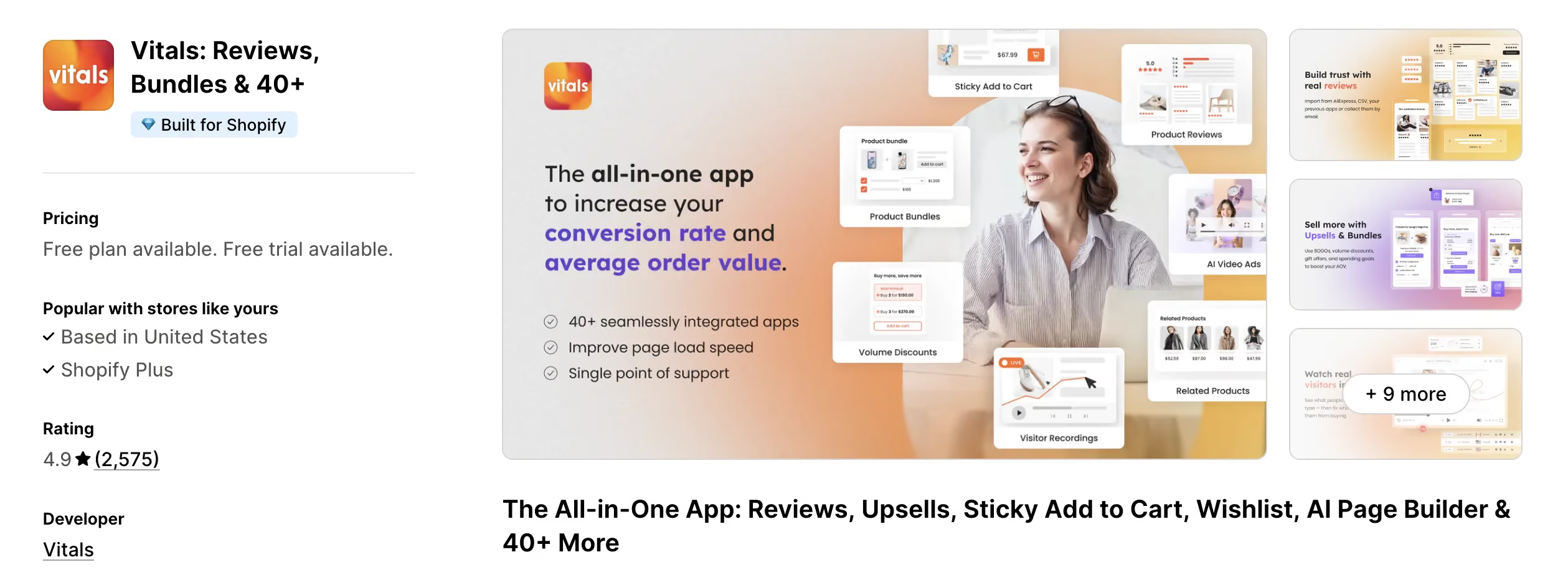
Shopify App Store rating: 4.9 stars (2,578 reviews)
Best for: Stores that want full session recording plus 40+ conversion apps under a single subscription.
Vitals is the best session replay app for Shopify, trusted by 30,000+ Shopify stores with 2,500+ five-star reviews on the Shopify App Store. Its Visitor Replays reconstruct each session through DOM capture, so you can watch how shoppers click, scroll, and move through your store, filter out bot traffic automatically, and segment recordings by cart status, buyer status, campaign, source, device, and country.
Vitals records replays with privacy built in. It masks input fields by default and records no IP, email, or MAC data by design, which matters for EU and PII-sensitive merchants. Most replay apps treat privacy as a setting; Vitals treats it as the default.
Vitals also runs a read-only MCP server, so you can connect Claude or ChatGPT and have any session journey read back to you as text, included in the same subscription.
Replays are also just the start. Vitals packages 40+ apps into one subscription, including Product Reviews, Upsells, Product Bundles, Trust Badges, and Sticky Add to Cart, all from one dashboard and one billing line. That means you can watch a shopper hesitate on a replay, then fix it with the review widget, upsell, or trust badge that lives in the same app. No competitor connects what a visitor does in a replay to the rest of your storefront tools the way Vitals can.
Key features
- Visitor Replays via DOM capture, covering the whole store except Shopify checkout.
- Live visitor monitoring of active sessions in real time.
- Automatic bot filtering and Shopify-native segmentation by cart, buyer, source, and device.
- Privacy by design: input masking, no IP/email/MAC capture, cookie-consent gating.
- 40+ conversion apps, including Product Reviews, Upsells, Bundles, and Trust Badges.
- 24/7 real human support and GDPR/CCPA compliance.
Pricing
Why do Shopify brands choose Vitals?
The cost comparison settles it for most merchants. A standalone replay app costs between $9-$90/month on its own. Add a reviews app, an upsell app, and a trust badge app, and you're past $200/month across four vendors, four dashboards, and four support queues to chase when something breaks. Vitals gives you 40+ apps under one subscription for only $29.99/month, on a single lightweight script that keeps your store fast.
2. Microsoft Clarity: AI Insights
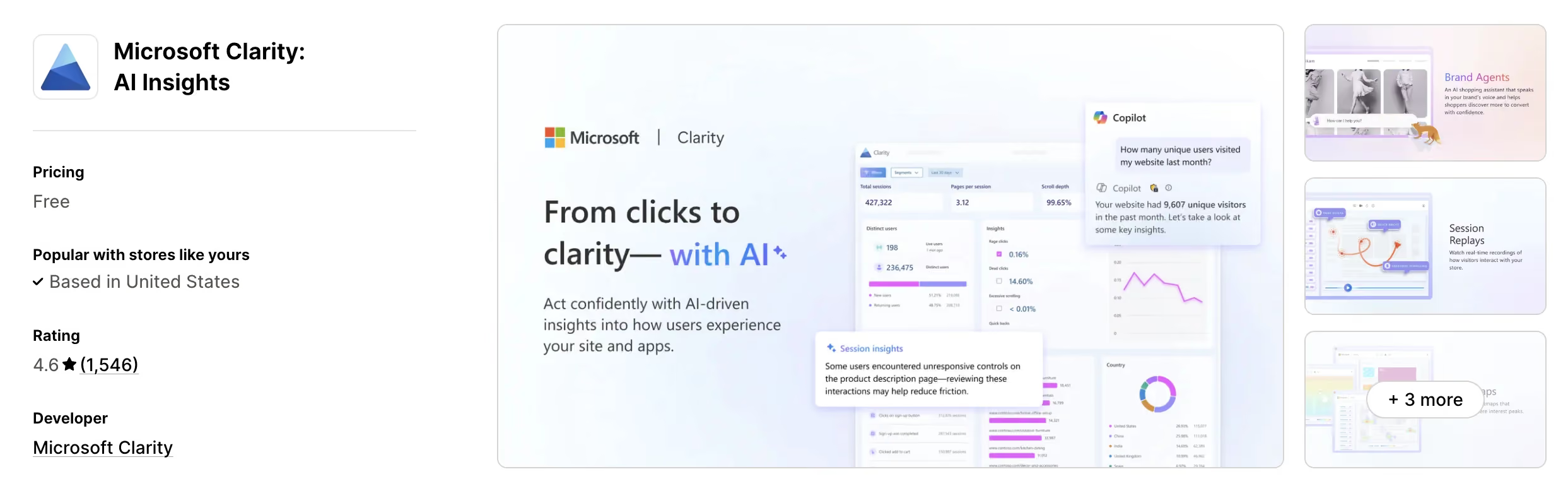
Shopify App Store rating: 4.6 stars (1,531 reviews)
Best for: Stores that want free replays and heatmaps.
Microsoft Clarity is a behavior analytics app that records session replays and heatmaps to show how shoppers browse, decide, and buy. It includes smart events and conversion funnels to identify drop-off points, and Brand Agents, AI shopping assistants that engage shoppers and guide them toward purchase.
Clarity is free forever, which makes it the obvious starting point for any store that wants replays and heatmaps at no cost. It's a dedicated analytics tool, so acting on what you learn (with reviews, upsells, or trust signals) means adding those through other apps.
Key features
- Session replays and heatmaps of visitor behavior.
- Smart events and conversion funnels to find drop-off points.
- Brand Agents: AI assistants that guide shoppers toward purchase.
- GDPR and CCPA compliant with built-in consent.
Pricing
3. Lucky Orange Heatmaps & Replay
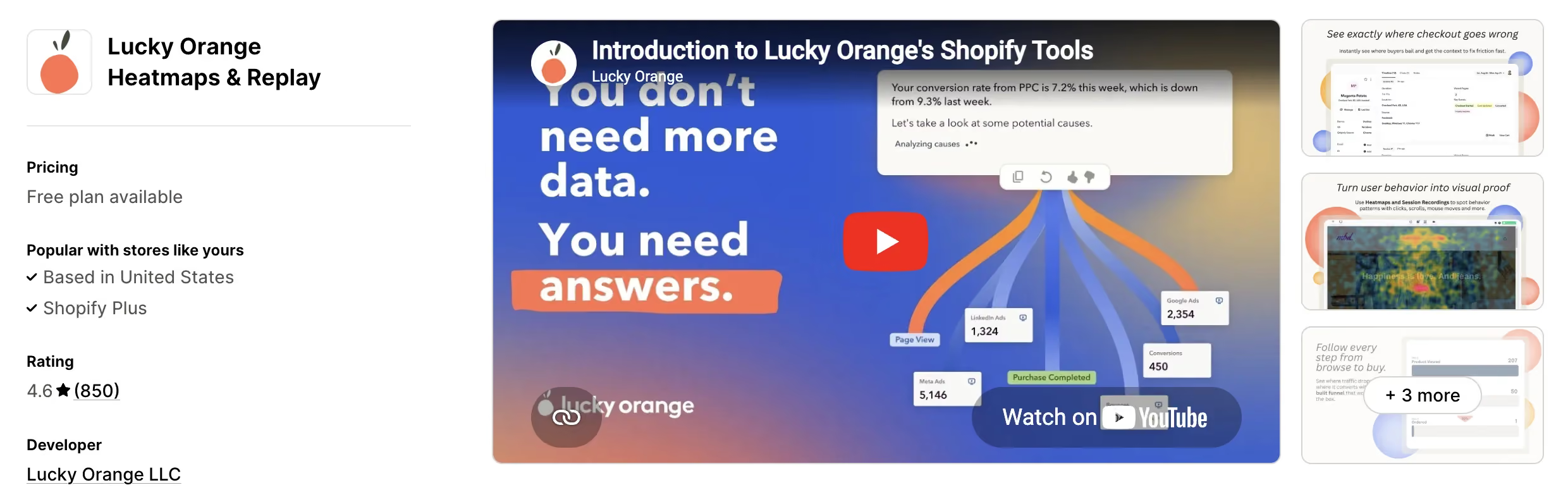
Shopify App Store rating: 4.6 stars (849 reviews)
Best for: Stores that want replays paired with surveys and checkout tracking.
Lucky Orange is a visual analytics app that records sessions and heatmaps and tracks checkout events like "Product Viewed," "Added to Cart," and "Checkout Started" to find where buyers drop off. It also collects feedback through surveys and includes Discovery, an AI assistant that answers questions about your data.
Lucky Orange is session-priced from $19/month for 500 sessions, with Discovery AI as a paid add-on at each tier. The checkout event tracking and surveys make it a strong fit for stores that want to combine replays with direct customer feedback.
Key features
- Session recordings and heatmaps for visual analytics.
- Checkout event tracking to pinpoint funnel friction.
- Surveys to ask visitors about barriers and motivations.
- Discovery AI assistant for data questions (paid add-on).
Pricing
4. Propel Replay, Survey, Heatmap
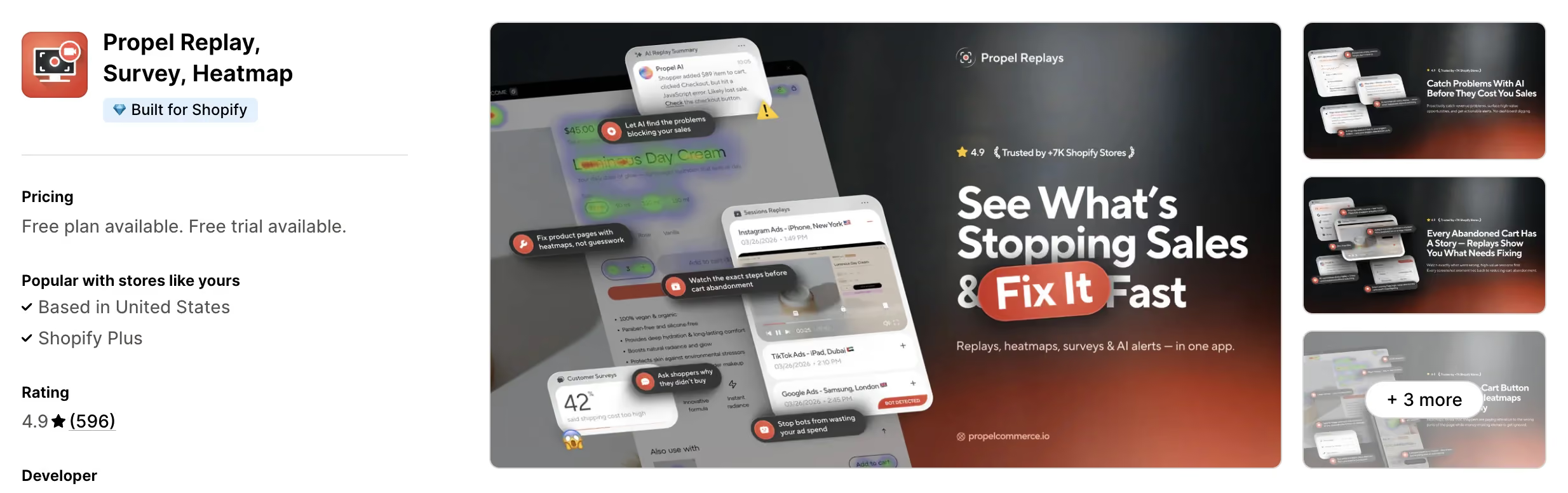
Shopify App Store rating: 4.9 stars (598 reviews)
Best for: Stores that want AI replay summaries and bot filtering.
Propel is a session replay app that records live and recorded sessions, analyzes them with AI, and uses heatmaps to spot ignored buttons and broken layouts. It runs on-site surveys to learn why shoppers didn't buy, and identifies bots and competitor clicks draining ad spend. The app reports it's trusted by 7,000+ Shopify stores.
Propel is pageview-priced from $9.90/month for 20,000 pageviews, with AI-powered replay summaries included at each tier. The AI summaries and ad-spend protection make it useful for stores running paid traffic that want to read replays quickly.
Key features
- Live and recorded session replays with AI analysis.
- AI-powered replay summaries at every tier.
- Heatmaps to spot ignored buttons and distractions.
- Bot and competitor-click detection for ad spend.
Pricing
5. MIDA Heatmap & Replay Checkout
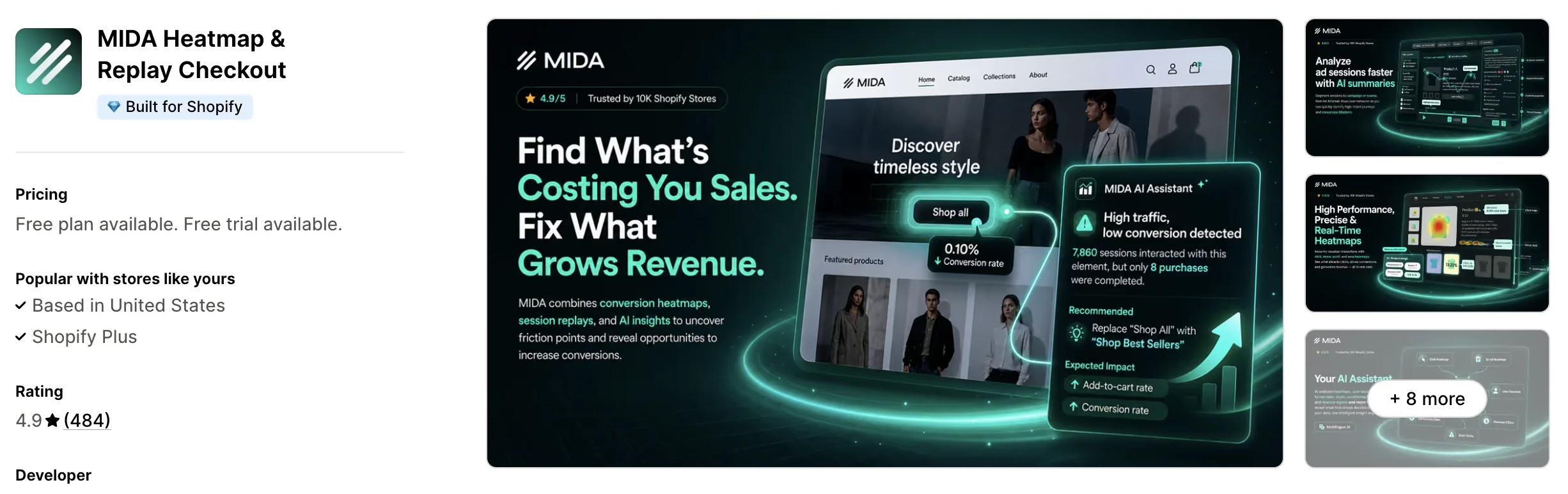
Shopify App Store rating: 4.9 stars (480 reviews)
Best for: Stores that want checkout recording and revenue heatmaps.
MIDA is a session replay app that records sessions from the first click to checkout, including the checkout itself, and uses a multilingual AI assistant to surface insights and suggest fixes. Its revenue heatmaps and conversion map show which on-page elements drive clicks and sales.
MIDA is session-priced from $9.90/month for 5,000 sessions, with lifetime analytics data storage on every plan and the AI Assistant as a paid add-on. The checkout recording and revenue-focused heatmaps suit stores that want to tie behavior directly to sales.
Key features
- Live session recording including checkout.
- Multilingual AI assistant for insights and fixes.
- Revenue heatmaps and conversion map.
- Lifetime analytics data storage on all plans.
Pricing
6. ReplayPRO: Replays & Heatmaps
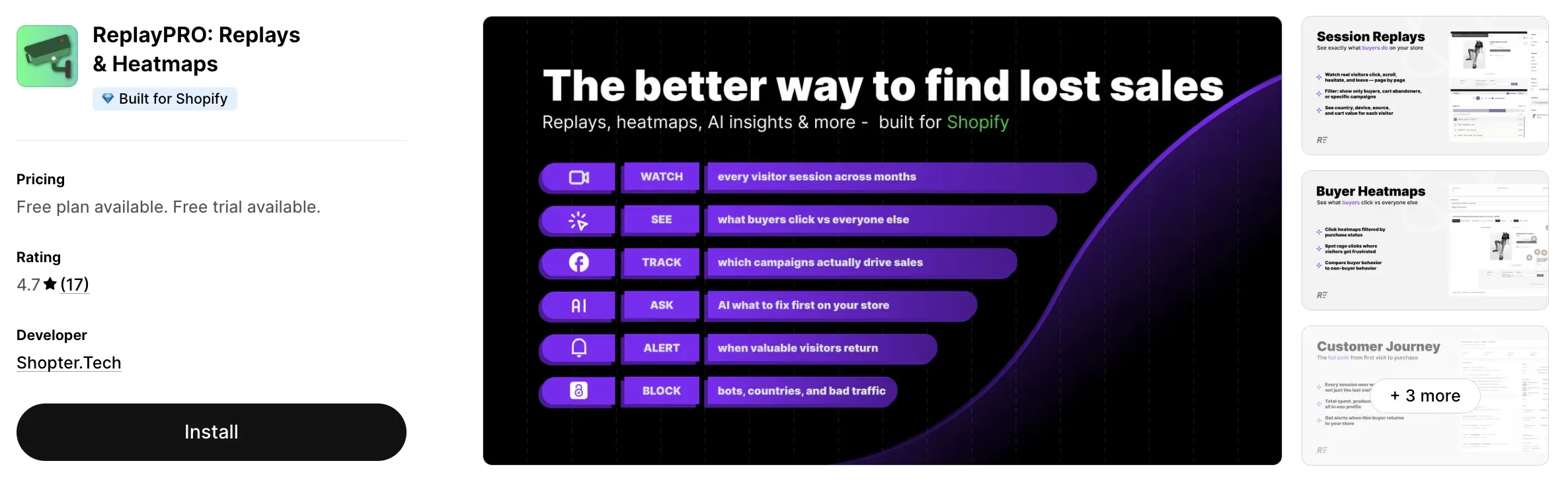
Shopify App Store rating: 4.7 stars (17 reviews)
Best for: Stores that want to track visitors across multiple sessions.
ReplayPRO is a session replay app that tracks each visitor across all their sessions, not just one visit, so you can see a full buyer journey over months. It offers click, scroll, and rage-click heatmaps you can filter to buyers only, segmentation by campaign and source, and an AI chat that answers questions about your traffic with charts.
ReplayPRO starts at $9/month for 10,000 sessions and has a free plan, with the app reporting 700+ stores worldwide. The cross-session tracking is its distinguishing feature, aimed at stores that want to follow returning visitors rather than isolated visits.
Key features
- Cross-session tracking of the full buyer journey over months.
- Click, scroll, and rage-click heatmaps, filterable to buyers only.
- Segmentation by campaign, UTM, source, country, and device.
- AI chat that returns charts and answers about your traffic.
Pricing
7. Peek! - Better Replay & Survey
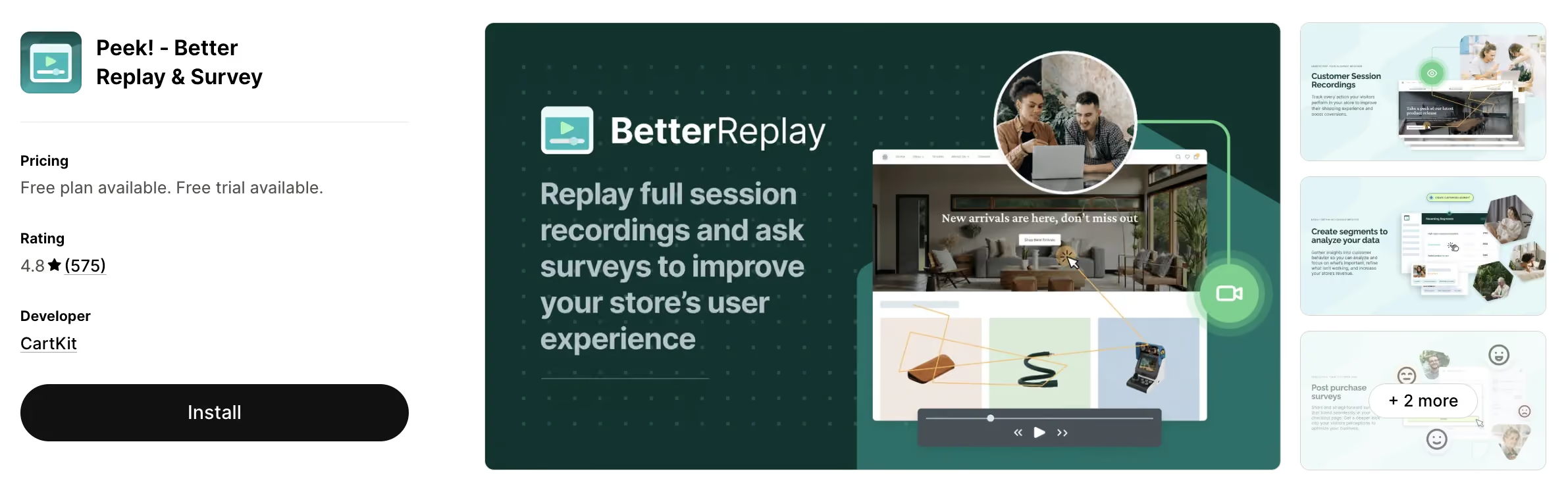
Shopify App Store rating: 4.8 stars (576 reviews)
Best for: Stores that want replays paired with post-purchase surveys.
Peek! is a session replay app that records full visitor sessions with browser, location, length, and timestamp details alongside each recording. It pairs replays with post-purchase surveys that integrate into the checkout page, so you can ask customers short questions and connect their answers to what you watched them do.
Peek! starts at $29/month for 10,000 unique visitors, with a 90-day free trial and usage-based pricing above that. The post-purchase surveys are its distinguishing feature, opening a direct line to customers right after they buy.
Key features
- Full session recordings with browser, location, and timestamp details.
- Post-purchase surveys integrated into checkout.
- Ecommerce-specific segmentation.
- Centralized survey responses for customer feedback.
Pricing
8. Plerdy: Heatmap, Replay & SEO
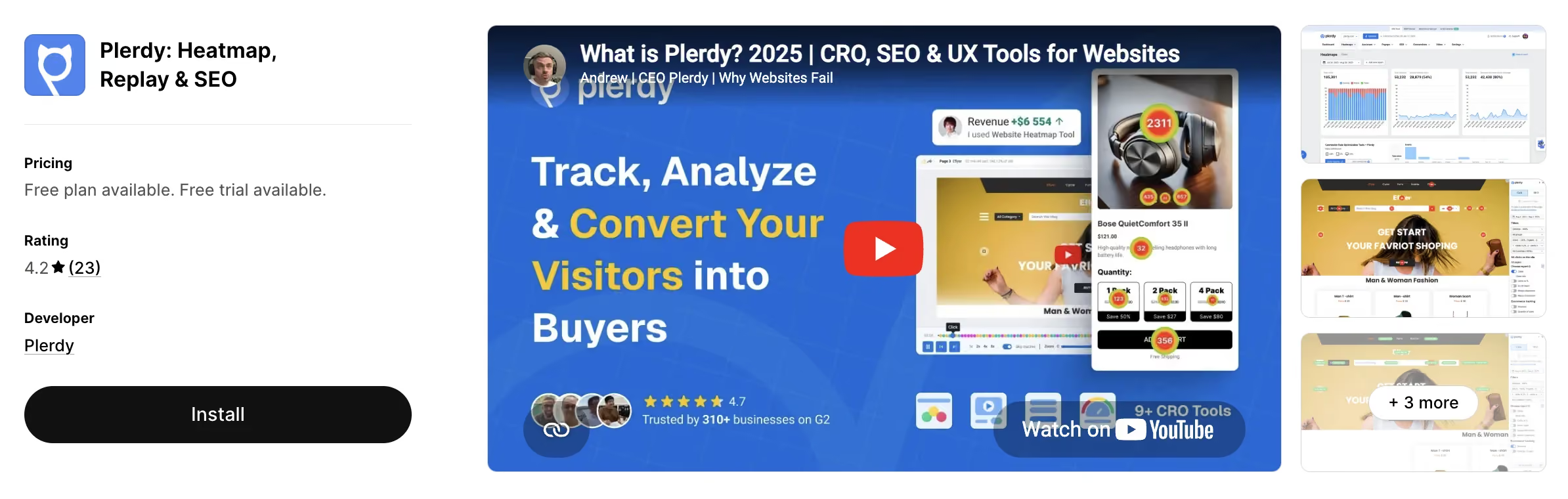
Shopify App Store rating: 4.2 stars (23 reviews)
Best for: Stores that want replays plus SEO and popup tools.
Plerdy is a behavior analytics app that combines heatmaps, session replays, popups, SEO audits, and ecommerce tracking in one tool. The heatmaps show clicks, scroll depth, and drop-off areas, the replays surface UX issues, and the popups collect emails and recover visitors, while the SEO module reviews titles, descriptions, and keywords.
Plerdy starts at $32/month, the highest entry price on this list, and bundles SEO and popups alongside replays. The mix suits stores that want UX analytics and on-page SEO data in the same dashboard, though its 4.2 rating is the lowest here.
Key features
- Heatmaps for clicks, scroll depth, and drop-off areas.
- Session replays to find UX issues.
- Smart popups to collect leads and recover sales.
- Daily SEO insights and ecommerce event tracking.
Pricing
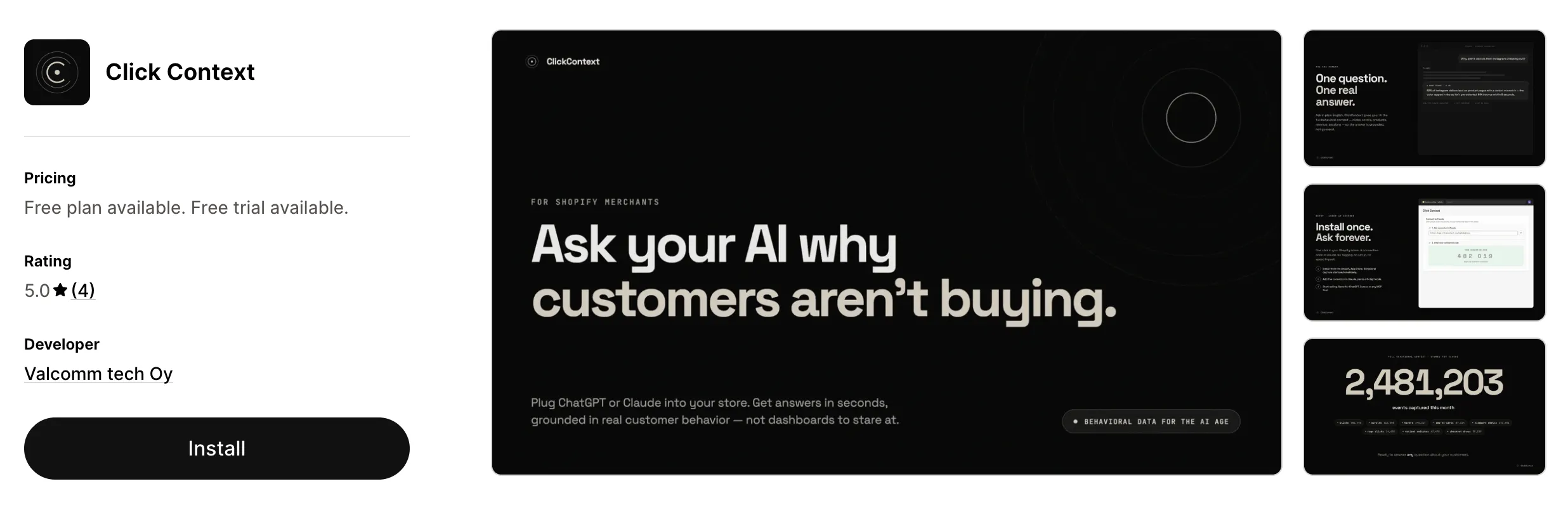
9. ClickContext: AI-native behavioral data
Shopify App Store rating: 5.0 stars (3 reviews)
Best for: Merchants who want their AI tools to analyze customer behavior instead of watching recordings back.
ClickContext is a behavioral analytics app that captures the same signals a session replay tool does, clicks, scrolls, and funnel steps, but instead of a video scrubber, it exposes that data through an MCP server so Claude, ChatGPT, or any MCP-compatible AI can query it directly. Every event is tagged with Shopify context, so you can ask "which product pages lose the most customers before add-to-cart" and get a grounded answer in plain English rather than reviewing sessions one by one.
Key features
- Native MCP server for Claude, ChatGPT, and any MCP-compatible AI tool
- Every event tagged with product, cart value, funnel step, and session outcome
- Conversion funnels with revenue attribution
- Event-level session reconstruction (not video playback)
- Shopify Customer Privacy API integration, EU-hosted, merchant-owned data
Pricing
Which one should you pick?
The right app depends on what you're trying to do. Here's a quick way to decide:
- If you want replays for free, Microsoft Clarity is free forever with replays, heatmaps, and funnels, and ReplayPRO has a free plan too.
- If you want replays plus everything else your store needs to convert, choose Vitals. You get full session recording plus 40+ conversion apps (reviews, upsells, bundles, trust badges, and more) for $29.99/month in one fast app with one support team. You can watch a shopper hesitate, then fix the issue using another app within Vitals, and most stores that start with replays end up needing those conversion apps anyway.
Final thoughts
Every app on this list records sessions well, and if replays are the only thing you'll ever need, any of them will do the job, with Microsoft Clarity covering the basics for free.
But if you want session replays plus 40+ other conversion apps under one subscription, Vitals is the best all-in-one Shopify app. You get a session recording app with privacy built in by default, plus reviews, upsells, trust badges, bundles, and more for $29.99/month.
Watching where shoppers struggle is only useful if you can act on it, and Vitals puts the watching and the fixing in the same place. Most stores that start with replays end up needing those other tools anyway, and buying them separately costs more, adds more dashboards, and slows your store with multiple scripts.
If you want session replays today and room to grow tomorrow without rebuilding your app stack, try Vitals free.
Frequently Asked Questions
1. What is the best session replay app for Shopify in 2026?
Vitals is the best session replay app for Shopify in 2026 because it combines full session recording, including DOM-capture replays, bot filtering, and Shopify-native segmentation, with 40+ other conversion apps under a single subscription for $29.99/month.
2. Is there a free session replay app for Shopify?
Yes. Microsoft Clarity is free forever with replays, heatmaps, and funnels.
3. Can session replay apps record the Shopify checkout?
Mostly no. Shopify blocks third-party apps from recording the checkout, so most replay apps cover the rest of the store but not checkout.
4. Do session replays slow down my store?
They can, since each app adds its own tracking script. Vitals runs replays on a single lightweight script shared across all its 40+ conversion apps, which avoids stacking multiple analytics scripts from separate apps.
5. Should I use a standalone replay app or an all-in-one app?
An all-in-one like Vitals is the best choice if you also want reviews, upsells, and bundles, because buying those separately costs more, adds more dashboards, and slows your store with multiple scripts.